A little space for prayer.

Prayer times that match your mosque, a Qibla compass and a misbaha, on iPhone, iPad and Apple Watch. No account, no ads, nothing to sign up for.

Download on the App Store

iOS and iPadOS 17 or later, watchOS 10 or later. English and Arabic.

Mihrab on iPhone: Asr at 14:00, in 42 minutes, above an arc of the day from Fajr to Isha and the day's timetable for Berlin.
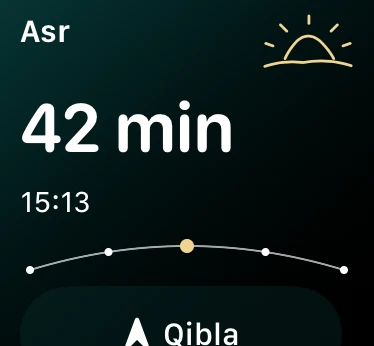
Mihrab on Apple Watch: Asr in 42 minutes.

Times that match your mosque

Choose the calculation method your mosque follows, from Muslim World League to Diyanet, with standard or Hanafi Asr and a rule for high latitudes.

If the printed timetable still differs by a minute or two, move any prayer by up to 30 minutes. Iqama times and reminders follow, and you set azan and iqama reminders separately for each prayer.
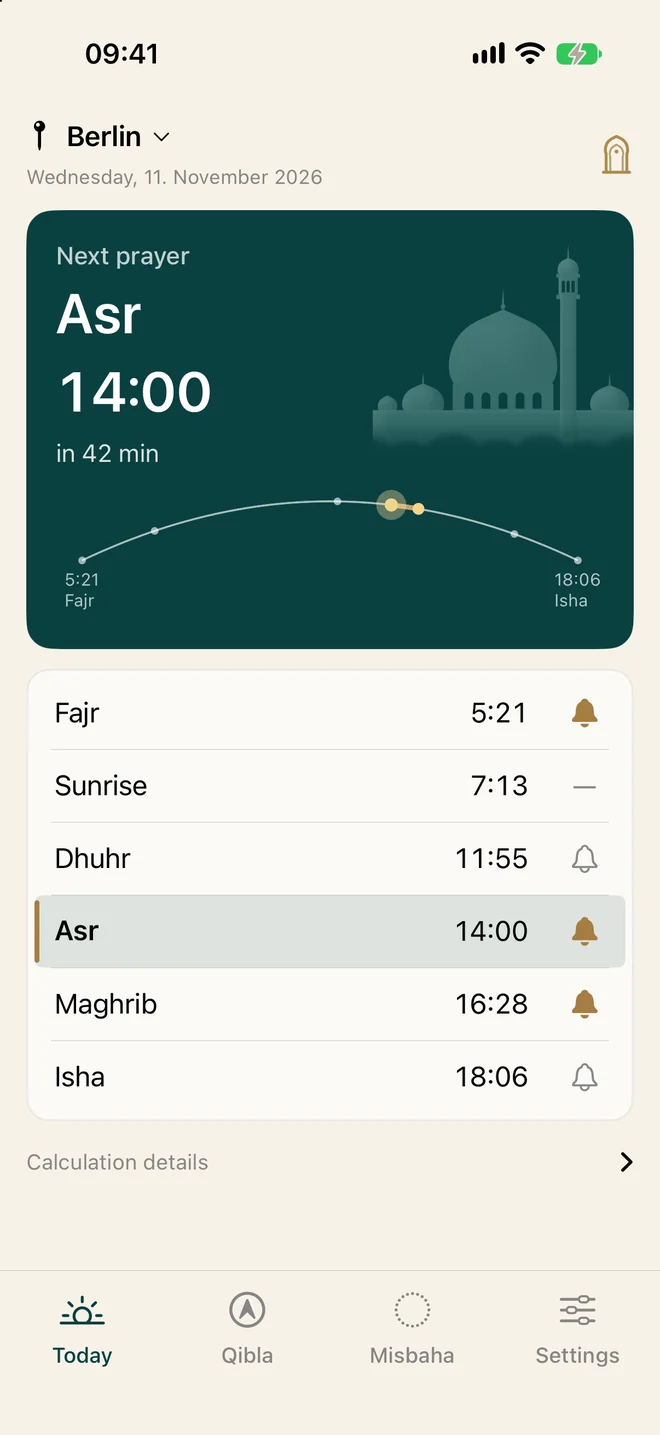
The Today screen: the next prayer with a countdown, and a bell beside each prayer in the timetable.

Find the Qibla, and know when you face it

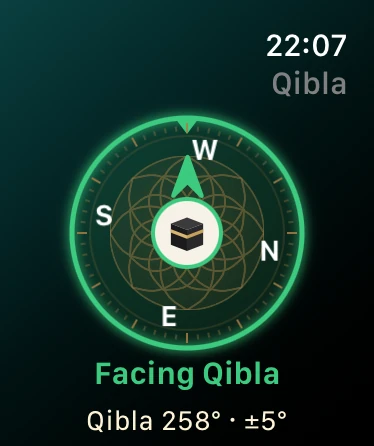
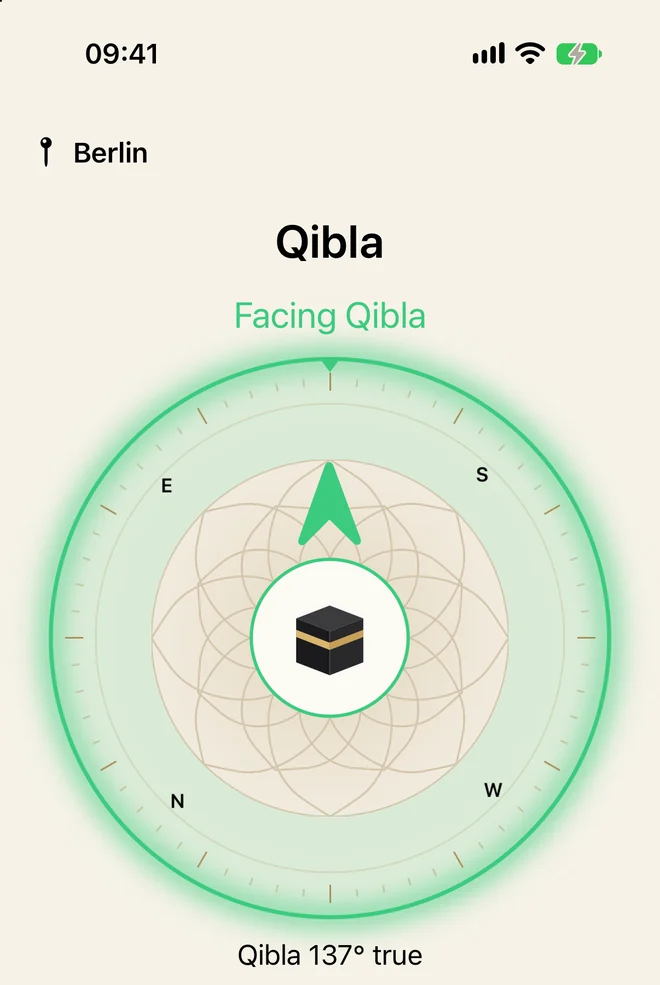
Turn with the compass. The ring glows brighter as you get closer and turns green the moment you face the Kaaba, on the phone and on the watch.

Indoors, where a compass can drift, a north-up map shows the direction from your saved location instead.

The Qibla compass on iPhone, green, with the words Facing Qibla.
The Qibla compass on Apple Watch, green, facing Qibla at 258 degrees.

A misbaha in your hand and on your wrist

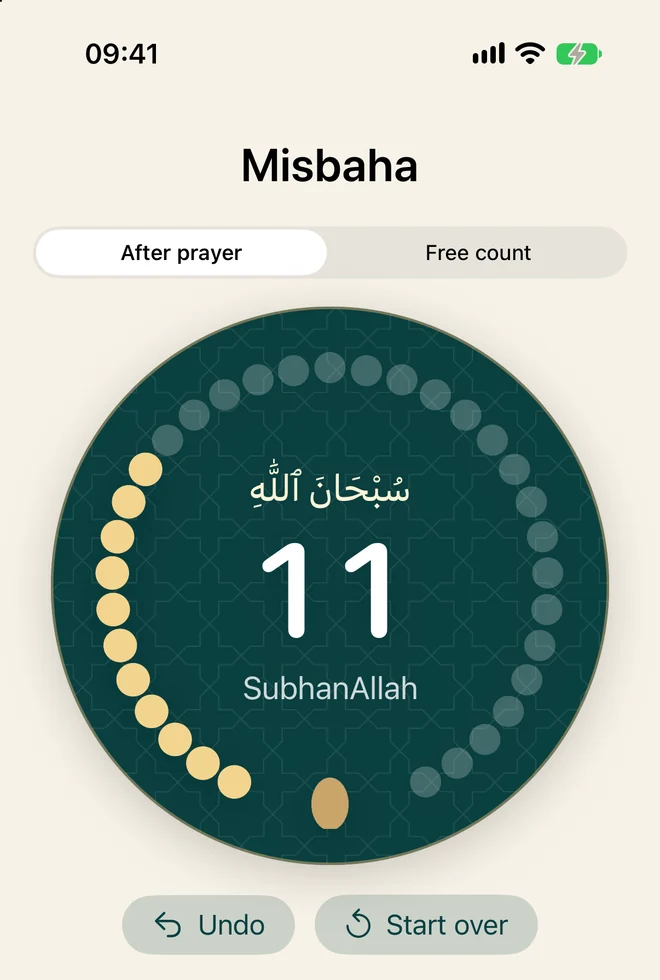
Count the tasbih after prayer: SubhanAllah, Alhamdulillah and Allahu Akbar 33 times each, then La ilaha illa Allah. Or count freely, with a goal of 99, 100, 500 or 1,000 if you want one.

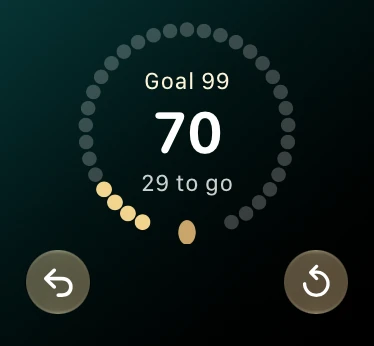
On the watch you can tap the beads, turn the Digital Crown, or double tap your fingers without looking down.

The misbaha on iPhone: a ring of beads around the count, 11 of SubhanAllah.
The misbaha on Apple Watch: 70 counted toward a goal of 99.

The next prayer, wherever you glance

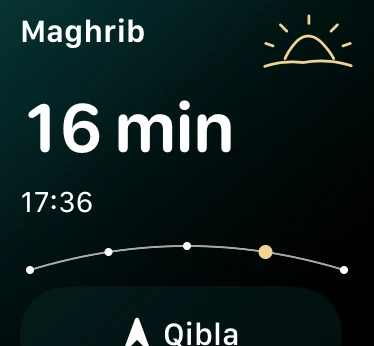
The watch shows how long is left over a sky that moves through the prayer day, from the dark before Fajr to the last light of Isha.

Widgets put the same countdown on your Home Screen, your Lock Screen and your watch face, so you rarely need to open the app at all.

Apple Watch in the afternoon: Asr in 42 minutes.
Apple Watch near sunset: Maghrib in 16 minutes.

Your prayers stay on your device

Mihrab has no account, no ads and no analytics, and it collects nothing. Your location is used only when you tap Use my location or start the live compass, and it is saved on your device, not on a server.

Read the privacy policy

Suggest something

Missing a calculation method, a language or a feature? Found times that look wrong for your city? Send an email and it reaches the developer directly.

salam@mihrab.cc